Video Templates
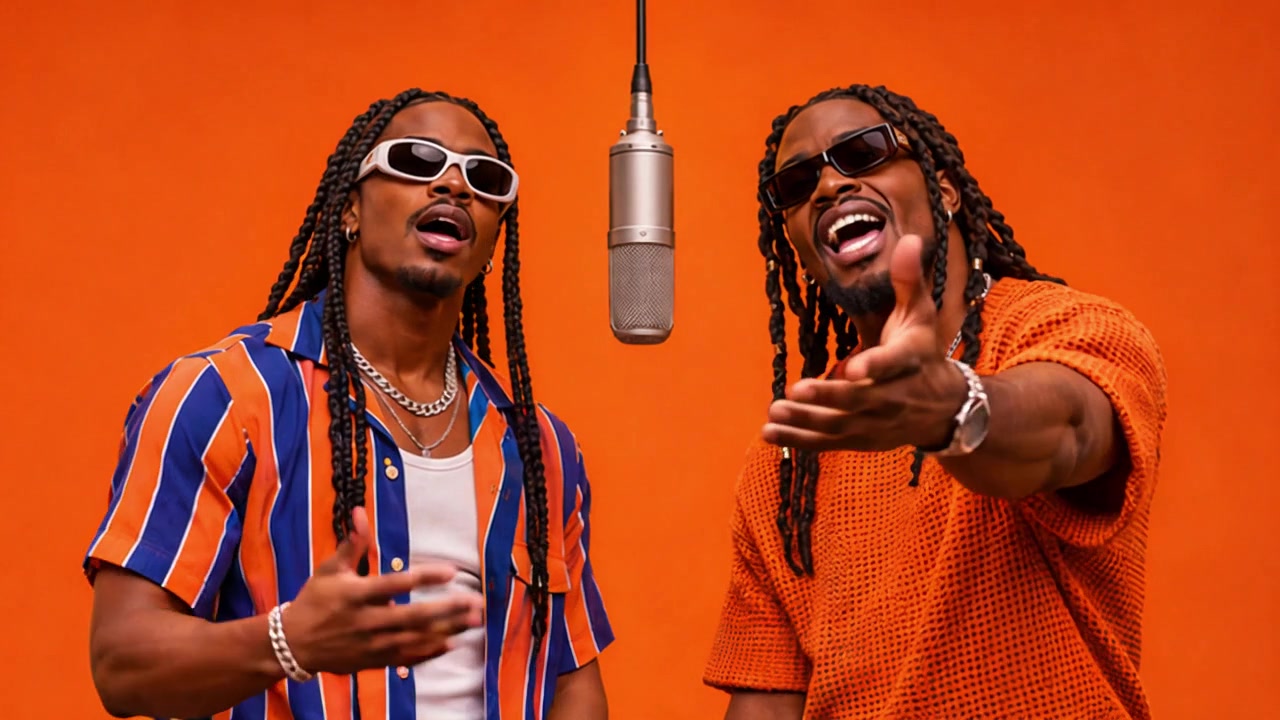
Browse studio duets, Thanksgiving gags, Christmas lights and animated pet portraits.
Music & performance
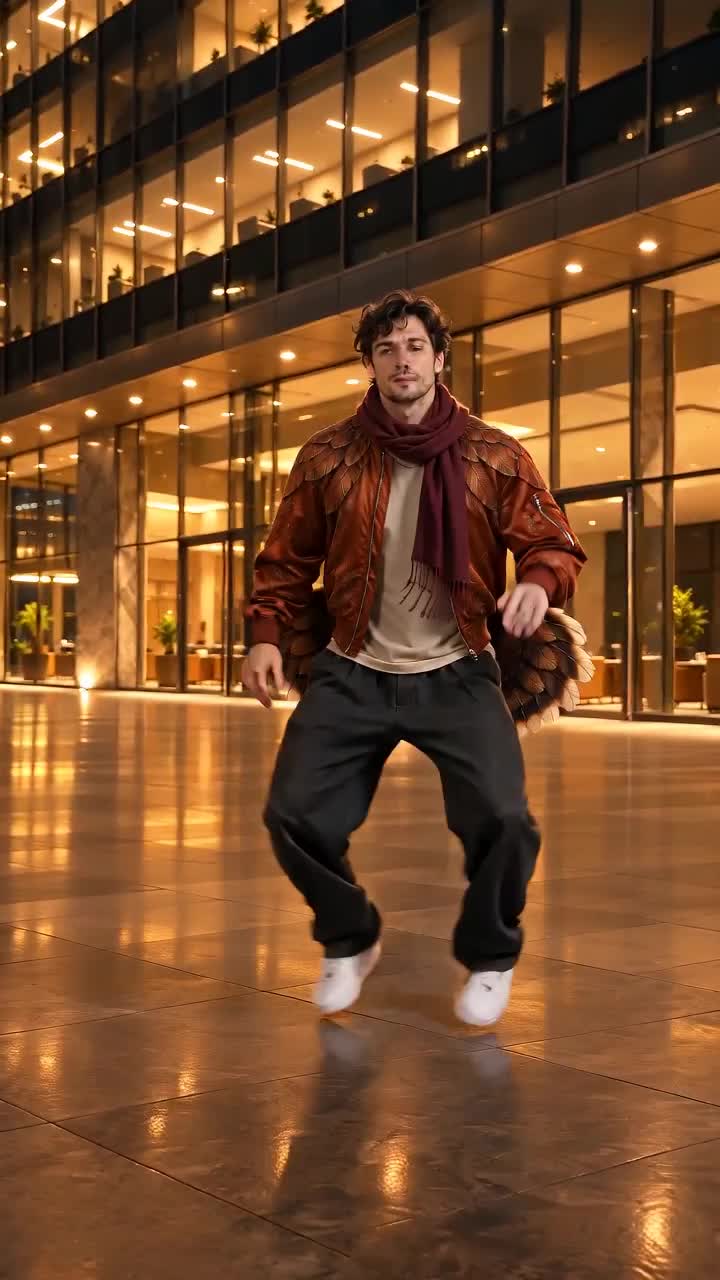
Thanksgiving
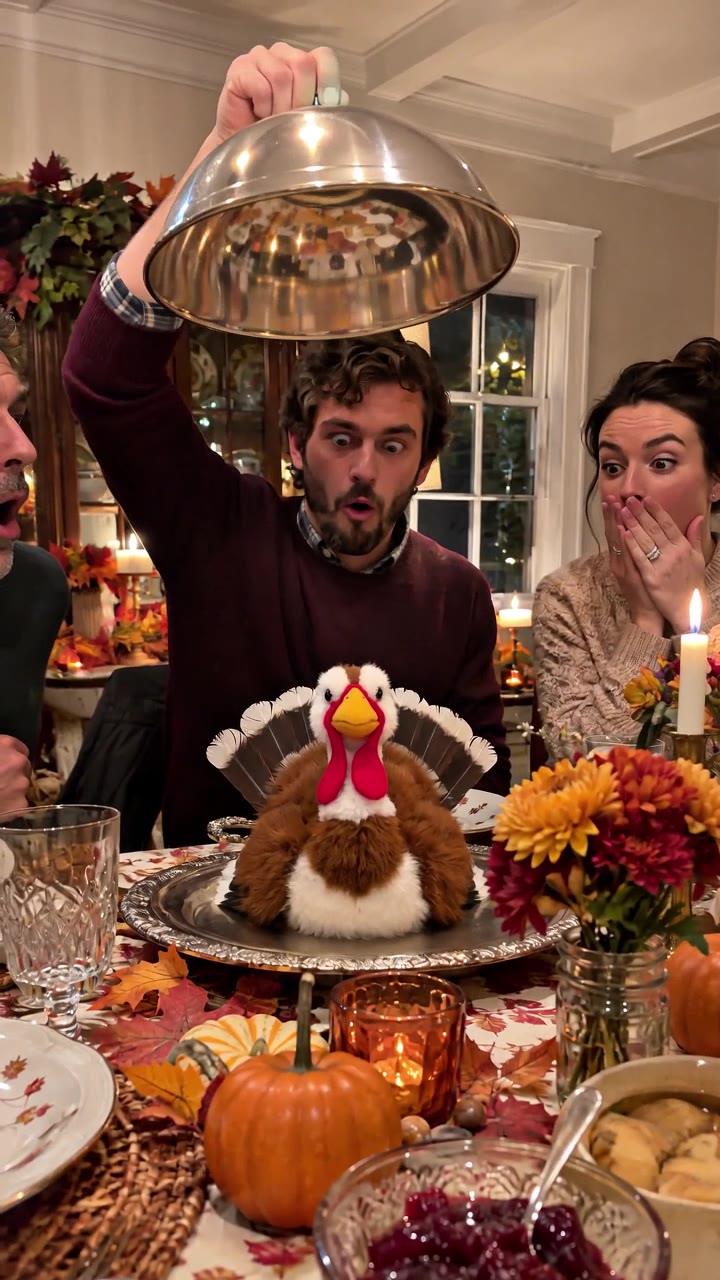
Christmas
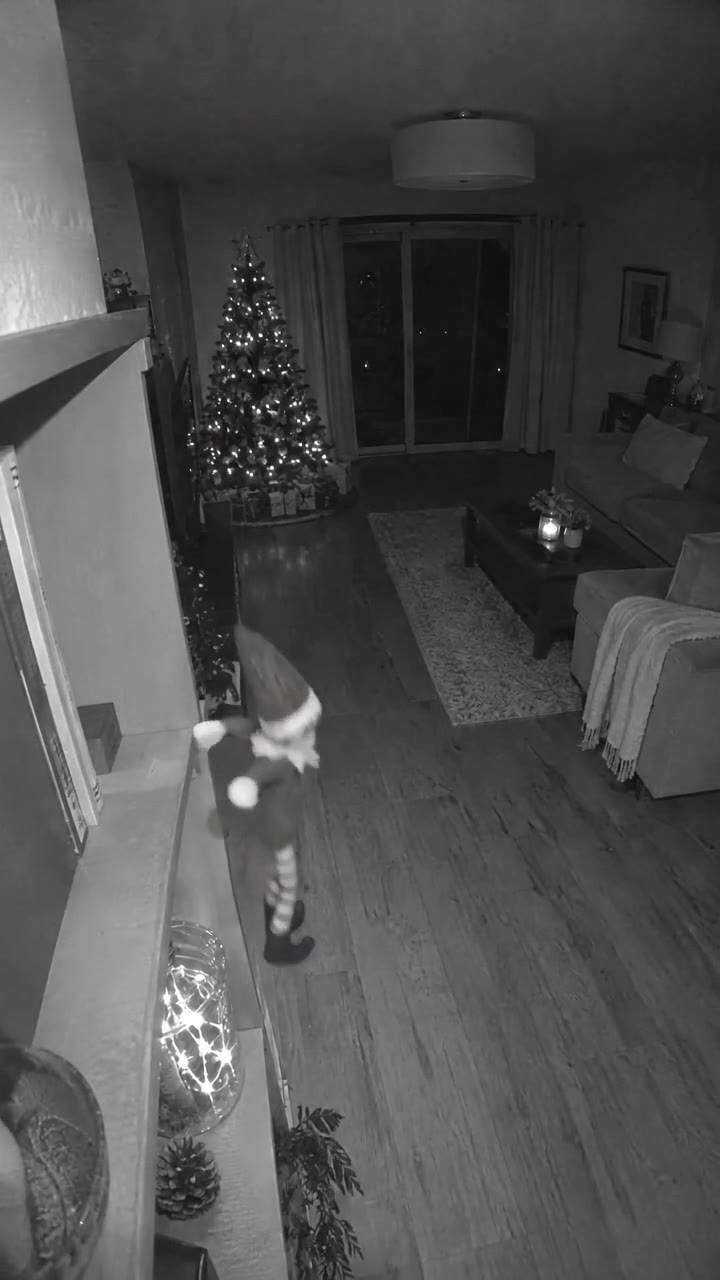
Holiday pets
Choose an image-to-video template for your photo
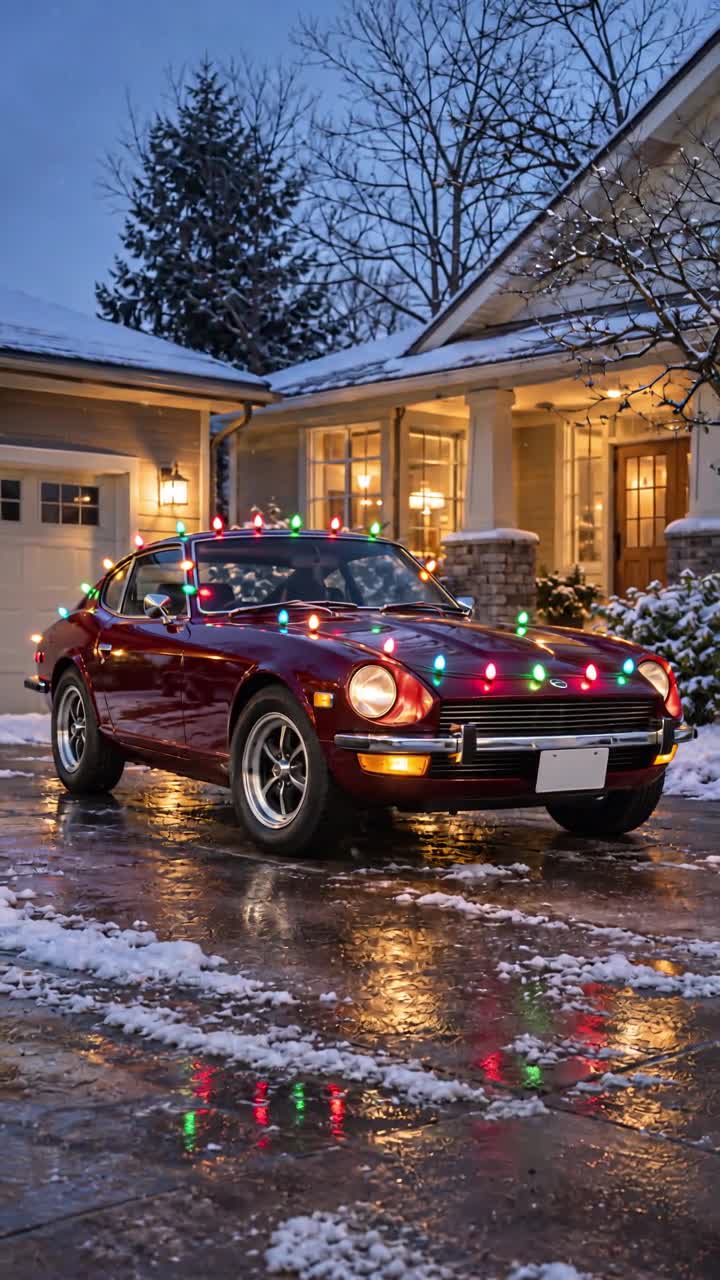
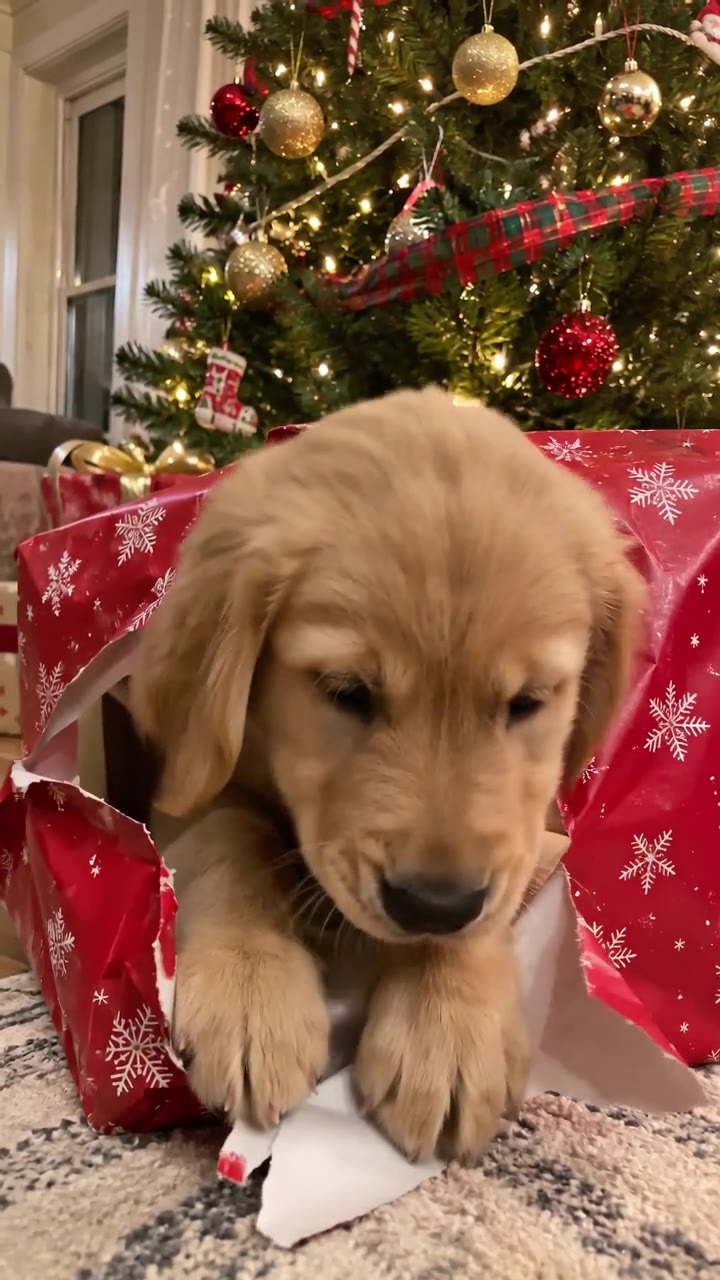
Start with the photo you already have. The Christmas Lights template works best with a clear view of the whole car, with room around the bumper and roofline. A slight angle helps show where the lights will appear along the sides. For Christmas Pet Photo, choose a well-lit picture where you can see the pet’s eyes and ears. Leave some room around the head so the effect has space on screen.
For Elf on the Shelf, pick a clear photo with one main subject. Keep the area around that subject uncluttered so the festive details are easy to see. A simple snapshot can also work for Funny Thanksgiving if the main subject is easy to recognize at phone size. Play the demo first if you are deciding whether a close-up or a wider photo suits the effect.
Pick reference photos for a duet or a dance
Hotel Lobby uses two photos, one per performer. Choose portraits with clear faces and similar lighting, and match each image to the left or right performer in the form. If the sample shows full-body movement, photos with visible legs and feet give you a better idea of how your subjects will fit the shot.
Turkey Dance uses one subject photo and one background photo. Choose a subject with room to move and a background with a clear area for the dance. Look at the sample before choosing your scene. A busy foreground can draw attention away from the footwork.
Watch the demos before you sign in
You can browse the directory and play every template demo without an account. The samples show the movement, framing and pacing of each effect. Check the template page for its photo requirements, available video lengths, aspect ratio and credit cost. Sign in when you’re ready to generate your own video. You can follow its progress in My Videos and download the finished MP4 there.